Who is Notion built for?
Notion is built for any team that needs to write things down and organize them: wikis, documents, databases and projects. Its own pricing page opens with "One tool to run your company," and that's accurate in spirit. It isn't a restaurant tool, and it doesn't need to be one to hold a restaurant's manual well.
That makes it a real option, not a stopgap. A chef-owner who writes the opening procedures, the house rules and the recipes as Notion pages, shares them by link and updates them as things change has a working system. Notion lists "Publish a Notion page to the web" on its Free plan, so a staff member can read the page on a phone without joining anything.
Restaurant Codex is built for something narrower: restaurant groups, typically 2 to 30 locations, where the question is less "where is the SOP?" and more "did it happen, at every location?" It's priced per location. Restaurant groups that run on Restaurant Codex include Mercado 24 in Guatemala City, where chef Pablo Díaz's restaurant is No. 42 on Latin America's 50 Best Restaurants 2025, Koli Cocina de Origen in Monterrey, which has held one MICHELIN Star since 2024, and Tapiz Bistro & Bakery in Mexico City. The awards belong to those restaurants, not to the software; see the customers page.
A hypothetical example: an owner with one restaurant and twelve staff writes the handbook in Notion, shares each page by link, and walks the floor every day. She sees the work with her own eyes, so the wiki only has to hold the knowledge. For her, adding another system would be overhead.
What does each one do?
Notion is a general workspace you shape yourself, and Restaurant Codex is a restaurant system that arrives shaped. Row by row:
| Notion | Restaurant Codex | |
|---|---|---|
| Built for | Any team; wikis, documents, databases | Restaurant groups, typically 2 to 30 locations |
| SOPs, policies, handbook | Pages you write and organize in a wiki | Knowledge Base: SOPs, policies and the house manual, with PDF and photo import |
| Recipes | A database you design | Recipes with allergens, photos, yield, shelf life and Pair and Sell |
| Change history | Page history: 7 days on Free, 30 on Plus, 90 on Business, any number on Enterprise | No document version history |
| Owners and "up to date" | Verified pages with an owner and an expiry date, on Business and Enterprise | No page owners |
| Daily checklists | Repeating database templates create a page on a schedule | Lists run on schedule in each location's time zone, with photo proof the app enforces |
| Late-task alerts | Database automations on paid plans can send a notification | "Due soon" and "overdue" pushes; managers get "still not done" about an hour late |
| Staff questions | Notion's AI chats over the workspace; a limited trial on Free and Plus | Codex Bot answers from the group's own manual and recipes and shows the entry it used |
| Training | Pages, checklists and forms you assemble | A path per job role on day one, tests graded on the server, a manager's sign-off, certificates |
| Inventory and food cost | Not on Notion's pricing page; you'd build the sheets and the math | Invoice photos read line by line, blind counts, waste logged, food cost per location |
| Several locations | Teamspaces; private teamspaces on Business | Locations side by side, with a live activity feed |
| How staff get in | Members take a paid seat; guests are free, see invited pages only and need a Notion account | The staff app installs from the browser and signs in with a code sent by text |
| Languages | Includes Spanish (Latin America) and Portuguese (Brazil) | English, Spanish (Latin America) and Portuguese (Latin America), chosen per person |
| Price | Per member per month | Per location, quoted on a 30-minute call |
Read the table by what each side leaves out. Restaurant Codex isn't a point of sale, accounting, payroll, scheduling, reservations or delivery system, and it isn't a place for your marketing calendar or opening-day project plan. Notion doesn't list inventory, invoice reading or a food cost line among its features, so those would be yours to build.
Where Notion is the better choice
It's the better choice when you need a general-purpose workspace. One place for the manual, the partner meeting notes, the opening-day plan and the hiring pipeline is what Notion does, and Restaurant Codex doesn't try. It is not a general wiki or database builder, and it shouldn't be judged as one.
It's also the better choice for documents that need history and owners. Notion records a new version of a page every 10 minutes while you edit, lets you restore an earlier one, and on Business and Enterprise lets you mark a page verified, with at least one owner and an expiry date or none. When verification expires, the owner is notified in the Notion inbox and by email. Restaurant Codex has no document version history and no page owners, so for a controlled policy that's a real gap. Keep one limit in mind: on Business, history reaches back 90 days. "What did this say last March?" needs Enterprise.
Notion works offline in its desktop and mobile apps, not in the browser. On a paid plan, recently visited and favorited pages download automatically, and on Free you download pages one at a time. That suits a manual read in a basement dry store with no signal.
It's better for a manager who likes to build. Notion's help pages describe repeating database templates, which create a copy of a template in a database daily, weekly, monthly or yearly at a time you set, and forms where a question can be marked required. With some patience that's a working checklist. Permissions run from Full access to Can view, and Business adds granular database permissions that limit a collaborator to the rows assigned to them.
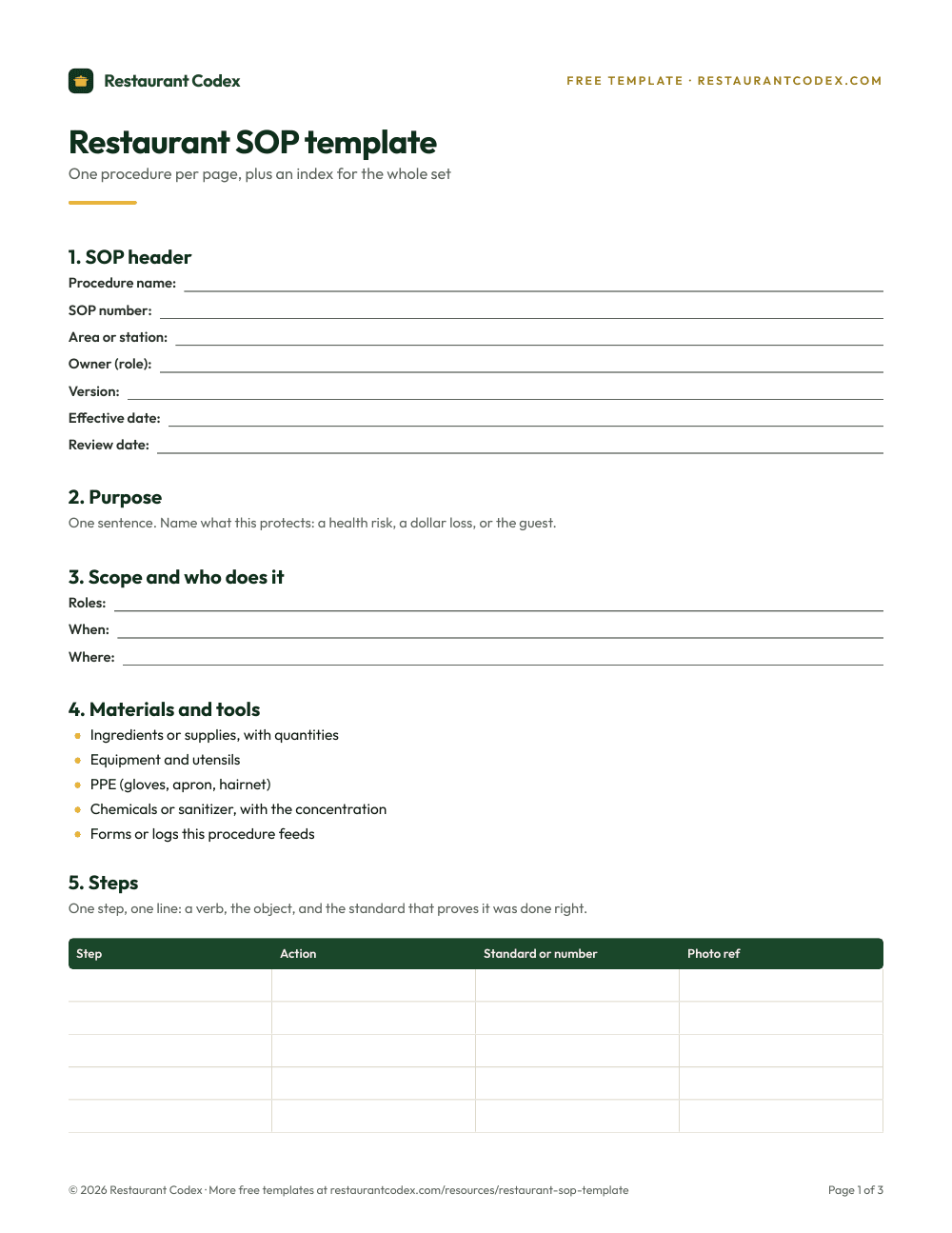
And it's cheaper to try. Start with the free SOP template and write it into Notion before you spend anything.

Where Restaurant Codex is the better choice
Restaurant Codex is the better choice when someone other than you does the work and you need to know it happened. Six places the wiki stops, stated as what Notion's own pages show and what they don't.
Proof. Notion fills in "Created by" and "Last edited by" properties on database pages, so a checklist page shows who touched it last and when. Making a photo mandatory on each step of a shift list, and refusing to let the shift close without it, is something you'd be designing. In Restaurant Codex a task can require photo proof, and the app enforces it.
Alerts. A recurring automation in Notion can send a notification at a set time to up to 20 people, and that is useful. Whether a nudge goes out only when the list is still open, and then escalates to that location's managers an hour later, depends on how you build it. In Restaurant Codex a "due soon" push and an "overdue" push go to the assignee, and managers get "still not done" about an hour late.
Training. A Notion training hub is pages and checklists, and the tracking is whatever you set up. Restaurant Codex gives a new hire a path for their role on day one, with tests an AI can draft from the manual and a manager edits, graded on the server, a manager's practical sign-off at the station and certificates. Owners see readiness by location, role and path.
Inventory. Restaurant Codex reads invoice photos line by line, flags price increases, stops duplicates, runs blind counts on the phone, logs waste with a reason and shows food cost per location with an all-locations roll-up. No POS feed or recipe mapping is needed to start. Notion would hold the counts if you built them. The reading, the flags and the math would still be yours.
Staff access. In Notion, members take a paid seat, and a guest needs their own Notion account. The link option opens for anyone who has the link, whether or not they still work for you. You can set a link to expire, and someone has to remember to. Restaurant Codex uses role-based access (Owner, Manager, Staff), each organization is isolated, and 50 staff app seats come with each location.
Answers. Notion's AI can find answers across a workspace, as a limited trial on Free and Plus. Codex Bot answers a staff member's question from the group's own manual and recipes, shows the entry it used, and never changes records.
What does each cost?
Notion's US pricing page, as read in October 2026, opens on yearly billing. Free is $0 and is listed for individuals; for two or more members the page says pages and blocks are limited. Plus is $10 and Business is $20 per member per month billed yearly, Enterprise is custom, and Notion says yearly billing saves up to 20%, so paying monthly costs more. Guests are free of charge. Page history grows with the plan, and verified pages start at Business, so a wiki with owners isn't a Free-plan job.
A hypothetical to show how the pricing scales: a restaurant with 4 managers and 8 staff, where everyone is a member on Business, is 12 seats at the listed $20, or $240 a month billed yearly. If only the managers are members and the staff read by link or as guests, it's 4 seats, or $80. Check the page for the amount in your currency before you plan around either.
Restaurant Codex is paid, per location, quoted on a 30-minute call, with no free tier and no public number. Each location includes Operations, Knowledge Base, Training and LMS, Inventory and Codex Copilot, plus 5 manager and admin seats and 50 staff app seats. Rollout runs through the 8-Week Implementation Program with the Restaurant Codex team.
So the comparison isn't price against price. Notion costs a small amount of money and a lot of the manager's time spent building and maintaining it. Restaurant Codex costs more and ships the parts already built.
What changes across several locations?
A wiki shares well and enforces poorly, and the second matters more as you add locations. Notion's teamspaces can separate locations, Business adds private teamspaces, and databases can feed charts and dashboards, so a rollup is possible if every location enters data the same way. Keeping that consistent, location after location, is the work.
Restaurant Codex puts every location in one dashboard, running the same lists and recipes, each in its own time zone. Managers get a morning plan and an end-of-day scoreboard, and owners compare locations side by side with a live activity feed. It compares how the work went, not the money; your P&L stays in your accounting software.
A typical split for a growing group is to keep long documents, planning and history-sensitive policies in Notion, and move the daily operation, training and inventory into Restaurant Codex. The operations manual guide covers what belongs in the manual either way. For a different kind of tool in this space, see the Trainual comparison.
How do you decide?
Stay on Notion if you can see the work yourself, the team is small, and the problem is writing things down and finding them. Three questions help:
- Does anyone other than you need to be held to the work? If a missed task is a problem you find out about from a guest, a manual won't help you; a record will.
- Does a new hire need to pass something before they work alone? Pages explain. Tests and sign-offs prove.
- Do you run more than one location? Past two, "is everyone following the same standard?" is no longer something you can check by walking in.
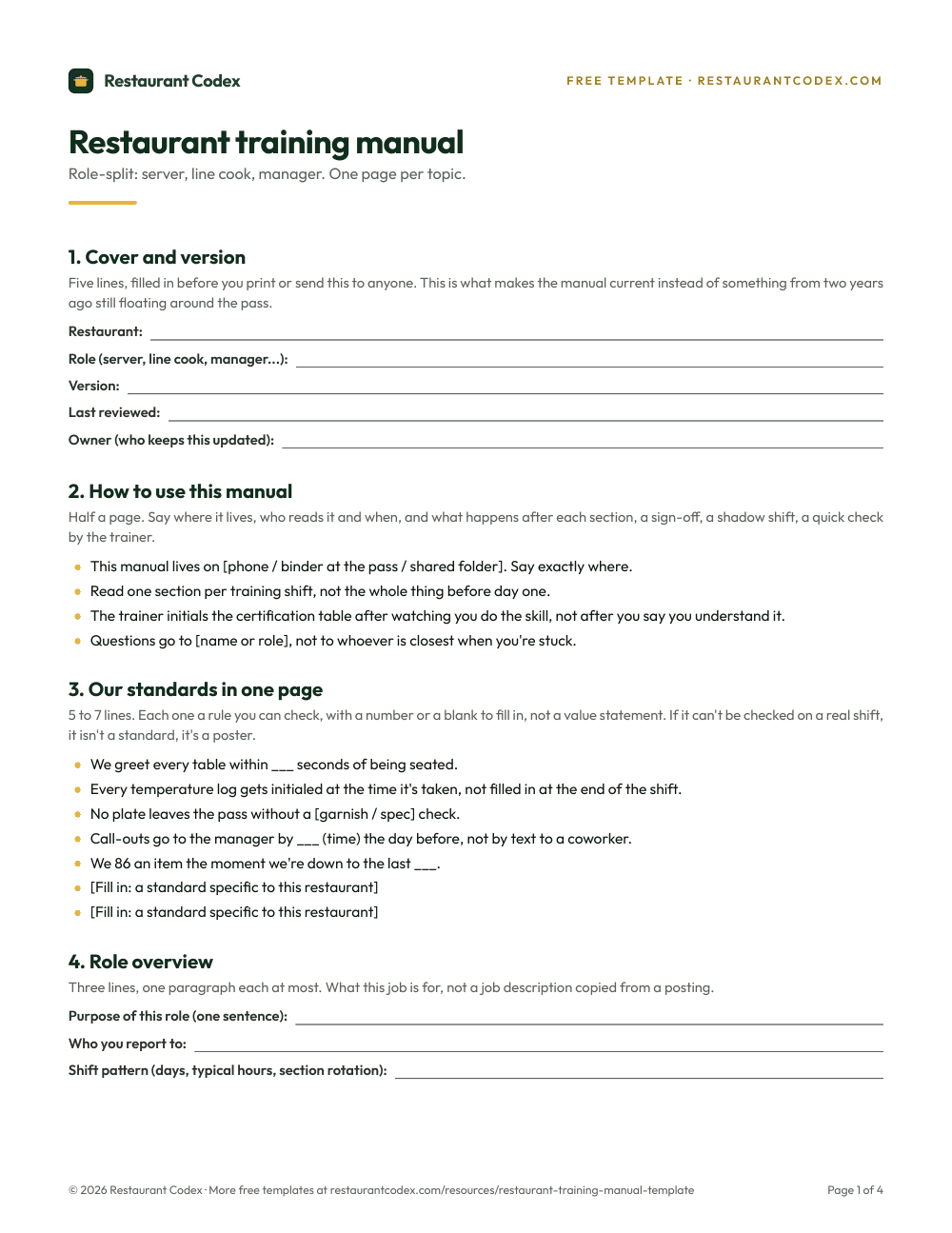
If it's mostly no, the free training manual template in Notion is a good place to stay. If it's mostly yes, the 30-minute call that quotes the price is also a fair place to ask what Restaurant Codex covers that your Notion pages do today, and what it leaves with Notion. Existing documents go in through PDF or photo import.
For the writing itself, the SOP guide and the knowledge base guide apply to either tool.
Restaurant Codex is the restaurant operating system for multi-location groups: Operations, Knowledge Base, Training and LMS, Inventory and Codex Copilot, with every location in one dashboard. See what Restaurant Codex is and the multi-location view.
Restaurant Codex
The same checklist, on every phone, with photo proof
Restaurant Codex runs this template as a live task with timestamps, photos and one view across every location. Bring it to a 30-minute working session and we'll show you how it would run across your locations.
By the Restaurant Codex team
Written with operators who run multi-location restaurant groups. Reviewed against the FDA Food Code and the sources listed below.
Sources
- Notion, Pricing (plans, per member per month, guests, page history, verified pages)
- Notion Help Center, Delete & restore content in Notion (version history)
- Notion Help Center, Wikis & verified pages in Notion
- Notion Help Center, Sharing & permissions settings in Notion
- Notion Help Center, Use Notion pages offline
- Notion Help Center, Database templates in Notion (repeating templates)
- Notion Help Center, Database automations in Notion
- Notion Help Center, Forms in Notion
- Notion Help Center, Change your language in Notion