Who is Kiwi LMS built for?
Kiwi LMS is a learning management system for restaurant chains and franchises. Its home page says it is "designed specifically for restaurant chains and their franchises" and covers training "from chefs to servers." Its About page says the company started in 2013 building eLearning tools for anyone who wanted to launch an online academy and sell courses, and turned to restaurant employee training four years later. That page also lists 300,000 users, 2,000 restaurant locations and 400 ready-to-go courses, which are Kiwi's own figures. The Contact page puts its headquarters in Bellevue, Washington, with offices in Florida, Kosovo and Switzerland, and the FAQ says the platform is powered by the EDUonGo learning platform.
It isn't limited to big chains. The pricing page lists the Starter plan for 1 or more locations, and the FAQ says Starter covers up to 10, so a single restaurant can buy it at $50 a month. The cheaper tiers start at 25, 70 and 150 locations.
Restaurant Codex is built for restaurant groups and priced per location, so a single-location owner gets the same product as a group. Training is one module of a larger system that also runs the work on the shift (opening and closing lists with photo proof), the SOPs and recipes the team cooks from, and inventory with food cost. Restaurant groups that run on Restaurant Codex include Mercado 24 in Guatemala City, where chef Pablo Díaz's kitchen is No. 42 on Latin America's 50 Best Restaurants 2025, Koli Cocina de Origen in Monterrey, which has held one MICHELIN Star since 2024, and Tapiz Bistro & Bakery in Mexico City. The awards belong to those restaurants, not to the software. See the customers page.
What does each platform actually do?
Kiwi is a course platform: you build or buy courses, assign them, test them and certify the people who finish. Restaurant Codex trains from inside the standards themselves. Row by row, with Kiwi's side taken from its own site in October 2026:
| Kiwi LMS | Restaurant Codex | |
|---|---|---|
| Course creation | Drag-and-drop authoring tools; courses organized, reused and shared; upload existing content | A learning path per job role on day one, built from short videos, PDFs, Shorts and linked manual entries and recipes |
| Ready-made courses | 400+ from partner content providers, including Food Safety, Customer Service, Sexual Harassment and Management Training; full catalog on request | No ready-made course library listed; paths are built from the group's own content |
| Tests | Interactive quizzes with a choice of question types, optional auto-grading and reporting | Tests that AI can draft from the manual and a manager edits, graded on the server |
| Practical skills | Not listed | A manager's practical sign-off at the station |
| Certificates | Admins certify employees after they finish their learning plans and activities | Certificates, plus readiness by location, role and path |
| Roles and reports | User roles for employees and managers, each with custom learning plans; reports by role, such as corporate, division leaders, area leaders and general managers | Roles Owner, Manager, Staff; a path per job role; owners compare locations side by side with a live activity feed |
| Standards and integrations | SCORM and LTI; single sign-on through LDAP, SAML2, OneLogin and Active Directory; a REST API | SMS-code sign-in; Copilot connects through MCP to accounting, POS, scheduling, HR, document and email tools; SCORM, LTI and SSO not listed |
| Checklists, SOPs and recipes | Not listed | Opening and closing lists, line checks, temperature logs and deep cleans with photo proof; SOPs, policies, a house manual and recipes with allergens, photos, yield and shelf life |
| Inventory and food cost | Not listed | Invoices read line by line with price increases flagged, blind counts, waste with a reason, buying list by supplier, food cost per location |
| Mobile | HTML5 in the browser on all mobile devices; a native app is a custom feature | Staff app installs from the browser, with SMS-code sign-in |
| Languages | Not stated on the pages we read | App in English, Spanish (Latin America), Portuguese (Latin America), chosen per person |
| Security and hosting | Runs on Amazon Web Services; secure channel, strong passwords, video watermarks; a GDPR page; no SOC 2 or ISO report mentioned; own server or another cloud by licensing agreement | SOC 2 aligned, hosted on SOC 2 Type II certified providers |
| Pricing model | $27 to $50 per location a month, published | Per location, quoted on a 30-minute call, no free tier |
The table shows two different jobs. A restaurant that runs only Kiwi has a course platform with a large catalog and strong standards support, and keeps its checklists, recipes and inventory somewhere else. A restaurant that runs only Restaurant Codex has the standards and the training together, and has no course catalog, no SCORM import and no single sign-on.
Where Kiwi LMS is the better choice
Kiwi LMS is the better choice when training has to plug into other systems. It supports SCORM and LTI, single sign-on through LDAP, SAML2, OneLogin and Active Directory, and a REST API that its pages call extensive. Its home page says the platform is "100% API based," so the look and feel can be redesigned well beyond a logo and a color scheme. Restaurant Codex lists none of these.
It's the better choice when you want courses you didn't have to write. The 400+ ready-made courses come from partner content providers and include Food Safety, Customer Service, Sexual Harassment and Management Training. Restaurant Codex builds paths from the group's own manual and content and lists no catalog. One caution: Kiwi's pages don't say which countries, states or provinces the courses are written for, so check that a course meets the training rule that applies to you.
It's the better choice for a published price at scale. Kiwi lists every tier, drops to $27 a location from 150 locations, has no minimum term and offers a free trial after a demo. Restaurant Codex has no free tier and gives its number on a call.
It's the better choice for franchise structures. The FAQ says one team can bring training for several franchises under one system, and that franchisees can be given different levels of access. Restaurant Codex's pages describe roles for owners, managers and staff, not a franchisor and franchisee split.
It's also the better choice when you already own course material. Kiwi accepts MP4 video, SCORM, LTI, Word, Office Mix and PDF, and offers a conversion service.
Say a franchisor with 160 restaurants across three brands needs the same food-safety and harassment courses taken by every franchisee's staff, with logins tied to its own directory and completion data pulled into its own systems through the API. That is how Kiwi is built. Restaurant Codex isn't the tool for that job.
Where Restaurant Codex is the better choice
Restaurant Codex is the better choice when training should teach your own standard. The Knowledge Base holds the SOPs, policies, house manual and recipes, written once and shared with the job roles or teams that need them. A learning path links to those manual entries and recipes, so the lesson and the standard sit in the same system. Kiwi's course content is authored or uploaded inside Kiwi, and its pages list no SOP library or recipe product. See Knowledge Base.
It's the better choice when "passed the quiz" isn't enough. Restaurant Codex lets AI draft tests from the manual for a manager to edit, grades them on the server, and adds a manager's practical sign-off at the station, so a cook is certified for plating a dish by someone who watched. Readiness shows by location, role and path. Kiwi's pages list quizzes with auto-grading and certificates after learning plans and activities, with no station sign-off. See Training and LMS.
It's the better choice when training is only part of the problem. The same system runs opening and closing lists with photo proof, sends "due soon" and "overdue" pushes, alerts managers about an hour after something is still not done, and reads supplier invoices into food cost per location. Kiwi lists none of that. See Operations and Inventory.
It's the better choice for a Spanish-speaking or Portuguese-speaking crew. The staff app runs in English, Spanish (Latin America) or Portuguese (Latin America), and each person picks their own. It installs from the browser, so there is no store download to explain. The Kiwi pages we read don't say which languages the learner app or the courses support, so ask.
And it's the better choice when seats matter. Each Restaurant Codex location includes 50 staff app seats and 5 manager and admin seats. Kiwi's default is 30 active employees enrolled per location, with a higher number by arrangement.
Say a group changes a signature dish. The new recipe card, with allergens, yield and shelf life, is written once in the Knowledge Base and shared with the cooks who make it. The line cook's path links to it, a short test checks it, and a sous chef signs off the skill at the station. In Kiwi you could build a course on the dish and quiz it, but the recipe lives somewhere else, and the pages we read list no sign-off at the station.
What does each platform cost?
Kiwi publishes its prices. As listed on Kiwi's pricing page in October 2026, each plan is billed monthly per location, and every plan includes all features:
| Plan | Price per location, monthly | Locations it is listed for |
|---|---|---|
| Starter | $50 | 1+ (the FAQ says up to 10) |
| Basic | $40 | Minimum 25 |
| Plus | $30 | Minimum 70 |
| Premium | $27 | Minimum 150 |
Other terms on Kiwi's site: there is no minimum term, and a one-year sign-up qualifies for one month free. A free trial starts after a demo request. Up to 30 active employees can be enrolled per location by default, and more can be arranged. The default interface is included, small changes to colors and logos cost nothing, and larger changes are quoted. For groups above 150 locations, the FAQ says customers tend to partner closely with Kiwi to build and run the program, and asks them to get in touch. The page shows a dollar sign with no currency code, so confirm the currency in writing.
Say a four-location group on Starter. At $50 a location that is $200 a month, or $2,400 over twelve months, or about $2,200 if the one-month-free offer applies. With the default of 30 enrolled employees per location, that covers 120 people. A 30-location group on Basic would pay $1,200 a month if the $40 rate applies to every location, which the page implies but does not spell out.
Check how current those figures are. The pages carry a 2024 copyright line, and Kiwi's public page data lists the pricing page as last edited in July 2022. Ask for a written quote.
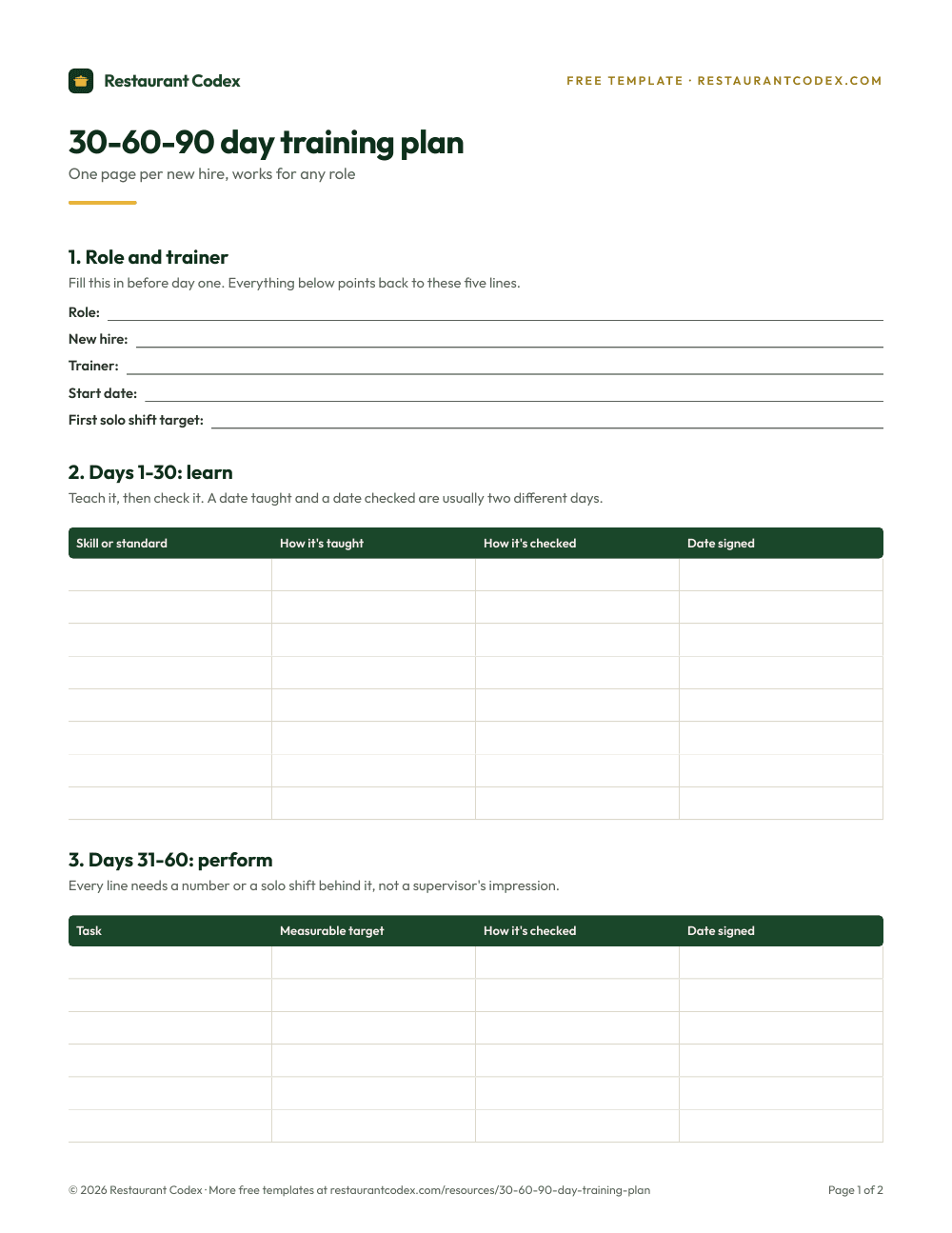
Restaurant Codex shows no number. It's paid, priced per location and quoted on a 30-minute call, with no free tier. Each location includes Operations, Knowledge Base, Training and LMS, Inventory and Codex Copilot, 5 manager and admin seats and 50 staff app seats, and rollout runs through the 8-Week Implementation Program with weekly one-on-one meetings. Kiwi's price buys training only, so if you choose it, add whatever you use today for lists, SOPs, recipes and inventory.
What changes across several locations
Kiwi's pages describe user roles with custom learning plans, reports by corporate, division, area and general-manager roles, and a way to run several franchises under one system with different levels of access. For a franchisor or a large chain that needs a clear line between head office, area leaders and stores, that is a well-described answer.
Restaurant Codex is built around a different picture. Every location starts on the same plan, the Knowledge Base is written once and shared with the roles or teams that need it, and owners compare locations side by side with a live activity feed. Readiness is visible by location, role and path, and Copilot lets an owner ask across the group in plain words and act in the same conversation. If your group has divisions and area leaders, ask both vendors to show a division-level view. See multi-location restaurant software.
Our restaurant LMS guide explains what to compare in any training platform, and our guide to training restaurant staff covers the program around the software.
How to decide
Start with what you are buying. If you want a course platform, with a large catalog, SCORM, single sign-on and an API, Kiwi is built for it. If you want training that lives next to the SOPs, recipes, checklists and inventory it teaches, Restaurant Codex is built for that.
Then ask Kiwi the questions its pages don't answer: the current price and currency, which languages the learner app and courses support, which jurisdictions the courses cover, and who supports you in your time zone. Ask Restaurant Codex to show a manager signing off a skill at the station and the readiness view for one location.
Last, run the same test in both. Take one real recipe and one real standard, build the lesson, assign it to a new hire and look at what the manager sees. Our guide to the software restaurants use shows the other tools around either product, and the Trainual comparison covers a general-purpose training tool.
Restaurant Codex keeps training, checklists with photo proof, SOPs and recipes, and inventory with food cost in one place, with one live view across every location. It does not offer a ready-made course library, SCORM or single sign-on.
Restaurant Codex
The same checklist, on every phone, with photo proof
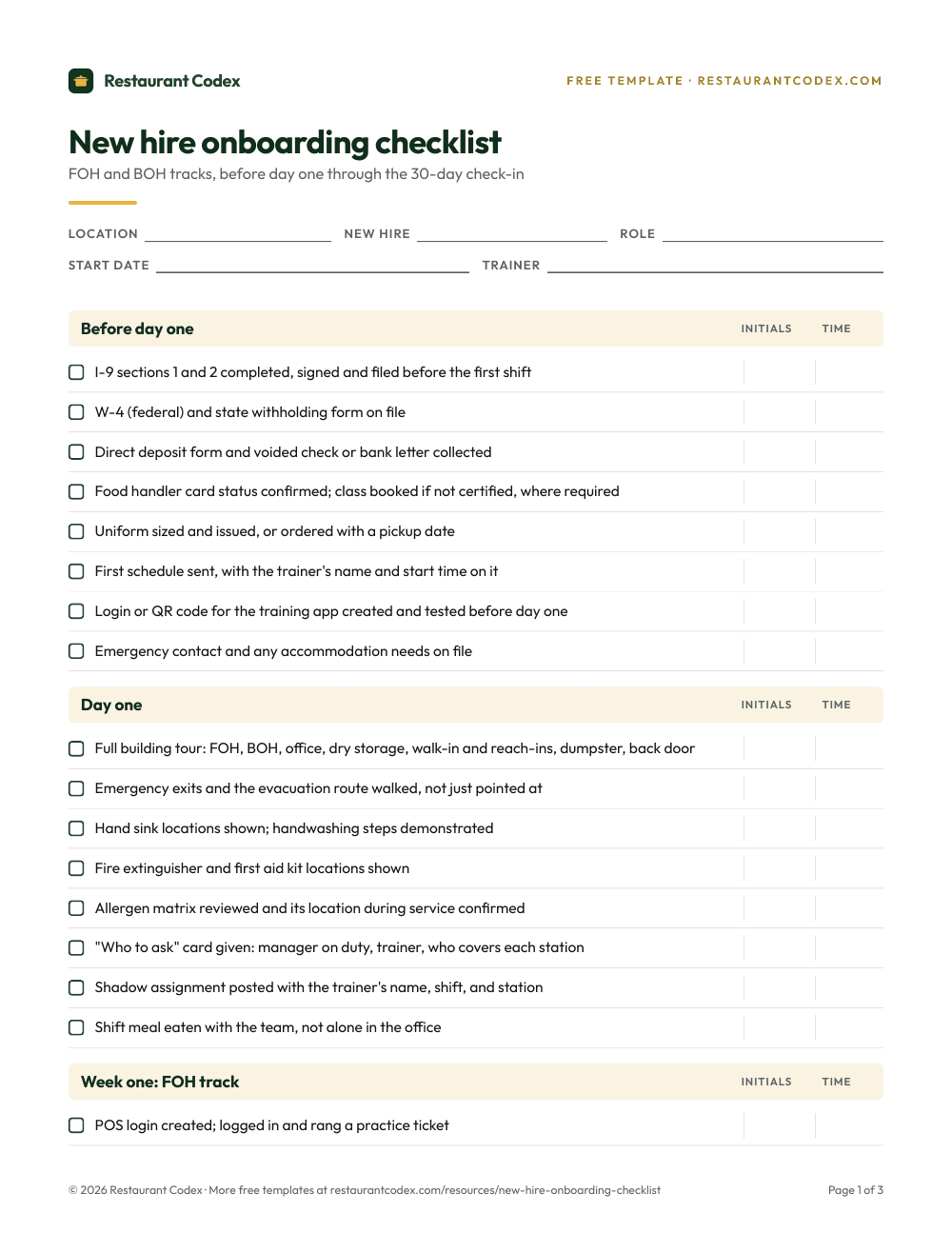
Restaurant Codex runs this template as a live task with timestamps, photos and one view across every location. Bring it to a 30-minute working session and we'll show you how it would run across your locations.
By the Restaurant Codex team
Written with operators who run multi-location restaurant groups. Reviewed against the FDA Food Code and the sources listed below.