How do restaurants use WhatsApp to run operations?
They use it for almost everything: the chicken arrived late, the produce order goes out, a photo of the finished bar setup comes in, someone asks how much salt goes in the salsa. It isn't strange. According to INEGI, 90.6% of Mexico's smartphone users used instant messaging apps in 2024 (ENDUTIH 2024; the report says messaging and doesn't name the app). Your team already has it, already knows it, and answers their manager within seconds.
A hypothetical example: a group of three locations with six chats. One per location with all staff, one for managers, one with the owner, and three with the produce, meat and dairy suppliers. Nobody designed it. Each chat started to solve something that day and never went away.
What WhatsApp does well is real. It's free, it needs no training, it delivers fast, and you can send a voice note with dirty hands or a photo in two taps. For a message someone has to read right now, like "the walk-in is down," it's still the best tool you have. The question isn't whether to drop it. It's which jobs you're asking it to do that it can't.
What breaks when operations run on WhatsApp?
Everything that needs proof, order or memory breaks. A chat is a conversation, not a record, and over time you ask it for things only a record can give.
- There's no proof. A "done" in the chat doesn't say what time it happened, whether the right person did it, or whether it was the task on the list. Anyone can type it, including from home.
- Search returns messages, not answers. You can search "chicken" and get 200 messages. You can't tell which was the order, which was the complaint and which is the instruction that still stands.
- What matters gets lost in the scroll. The instruction the manager gave at 9:12 is buried by 11:00 under photos, stickers and one "ok" after another. Nobody was careless. The format doesn't sort by importance.
- The new person doesn't have the context. To catch them up you used to send screenshots or forward messages. On February 19, 2026, WhatsApp introduced group message history to fix exactly that: when you add someone you can send them recent messages, from 25 up to 100. The whole group gets a notice, and admins can turn the feature off (WhatsApp blog).
- People who left are still inside. If nobody removes them, a former employee keeps reading schedules, supplier prices and customer complaints. That's a security lapse more than a memory problem.
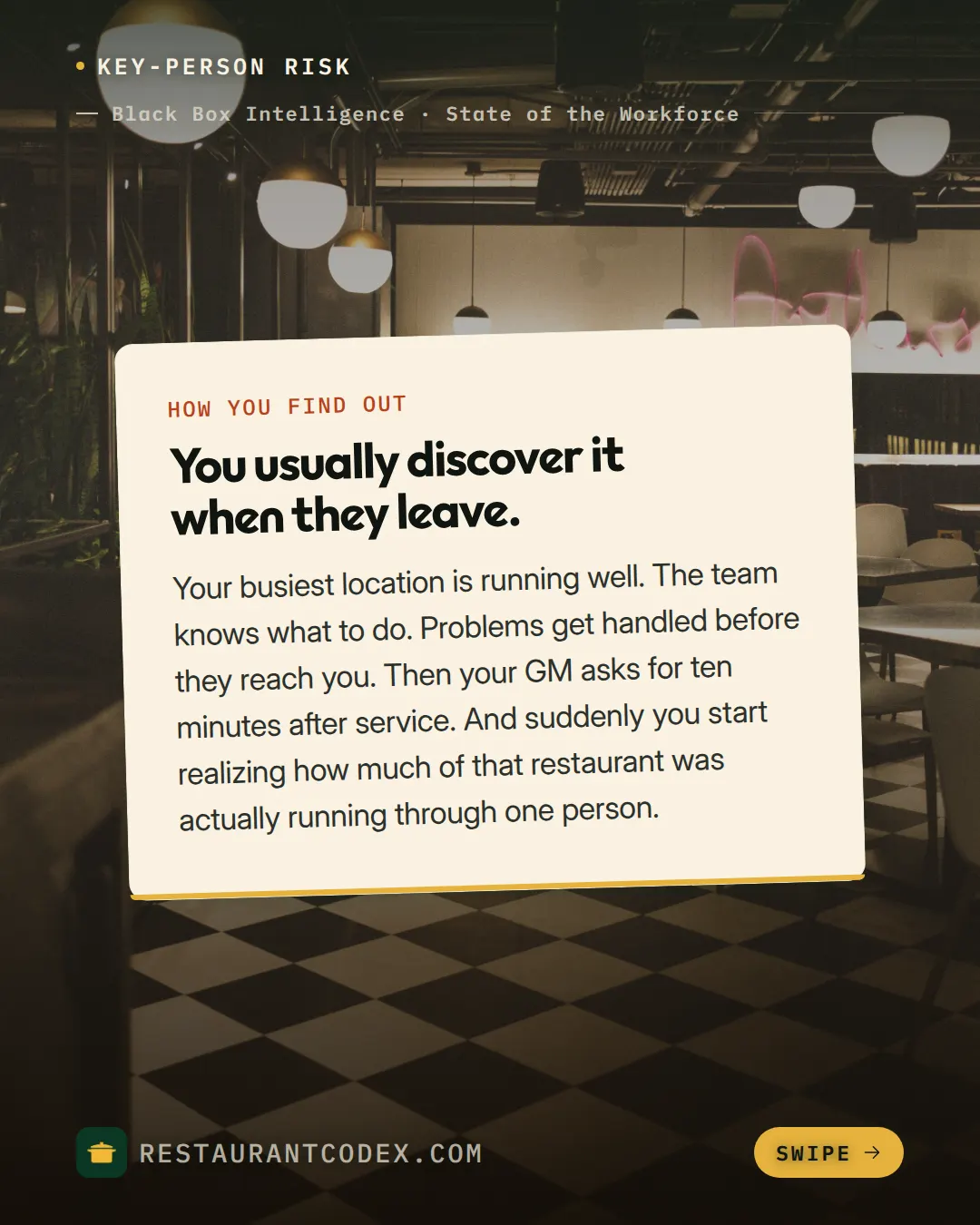
The math on history is short. Say the managers' chat moves 150 messages a day (a hypothetical figure). A new manager who gets the maximum, 100 messages, receives less than one day of conversation, and nothing agreed last week. If you want someone new to know how things are done, the chat isn't where that lives.
There's one more, in Colombia. Ley 2191 of 2022 says workers have the right not to be contacted, by any means, about work matters outside their working hours, and that the employer refrains from giving orders outside them (article 3). The group that pings at 11 at night is the classic case. The exceptions are in the privacy section below.
Can you place supplier orders over WhatsApp?
Yes, and in Latin America it's the norm: many suppliers take orders there. What changes is how you do it, because an ambiguous order costs more than an extra message.
A WhatsApp order that you can check later has five parts:
| Item | Why |
|---|---|
| Delivery day and time | Without a time, the supplier arrives when it suits them and the kitchen has already started service |
| Product, quantity and unit (kg, case, piece) | "Two tomatoes" can mean two kilos or two cases |
| Price or reference list | With no agreed price, the argument shows up with the invoice |
| Who receives | If nobody is named, nobody checks what arrived |
| Supplier confirmation | A thumbs-up doesn't confirm quantities or price |
A hypothetical example of a complete message: "Order for Thursday, delivery before 9:00 a.m. Roma tomatoes, 20 kg. White onions, 10 kg. Limes, 8 kg. Marco (kitchen) receives. Can you confirm quantities and price?" The order counts once the supplier replies with quantities and price, not before.
Rules help more than the tool. One thread per supplier so its history stays together, and one message format that everyone copies. And when the delivery arrives, compare the order with the invoice. Without that, the chat records what you asked for, but nobody verifies what showed up.
Volume is where WhatsApp stops being enough. With three suppliers and one location, the thread is fine. With twelve suppliers and several locations, building the list by hand every week is where mistakes slip in. In Restaurant Codex, Inventory shows the items below target with the quantity needed to reach it, grouped by supplier, and you can send the list by email, by WhatsApp or print it. It still reaches the supplier through the same WhatsApp as always; what changes is that it arrives already built, and it doesn't come out of a manager's memory. Invoices are read line by line and price increases are flagged.
WhatsApp group or a shift log?
Use the group for something urgent, and use a log or a system to hand off a shift, prove something was done, or train someone. Each tool wins at a different job:
| What you need | WhatsApp group | Shift log | System with proof |
|---|---|---|---|
| Warn about something urgent now | Best: it arrives in seconds | Too slow: it's read at the end of the shift | Overdue tasks send alerts, but a surprise is solved with a call or the chat |
| Prove something was done | A loose photo, no checklist or fixed time | Signature and time, no photo | Task with required photo, time and owner |
| Hand the shift to the next manager | Lost among a hundred messages | One sheet with fixed fields that always get filled the same way | Open tasks stay assigned; free-form notes work better in the log |
| Find what was agreed last week | You search words, not records | You flip through sheets | Instructions live in the manual, and the bot answers with the entry it used |
| Train someone new | Up to 100 messages of history | Doesn't work | A training path from day one |
| Effort to start | Zero | One printed sheet | Setting it up |
Our verdict: don't drop WhatsApp, but don't use it as an archive. Keep the chat for what's urgent and for people, and move to a sheet or a system anything you'd have to prove, search for or teach to someone new. The first step, which costs almost nothing, is a shift log with fixed fields:
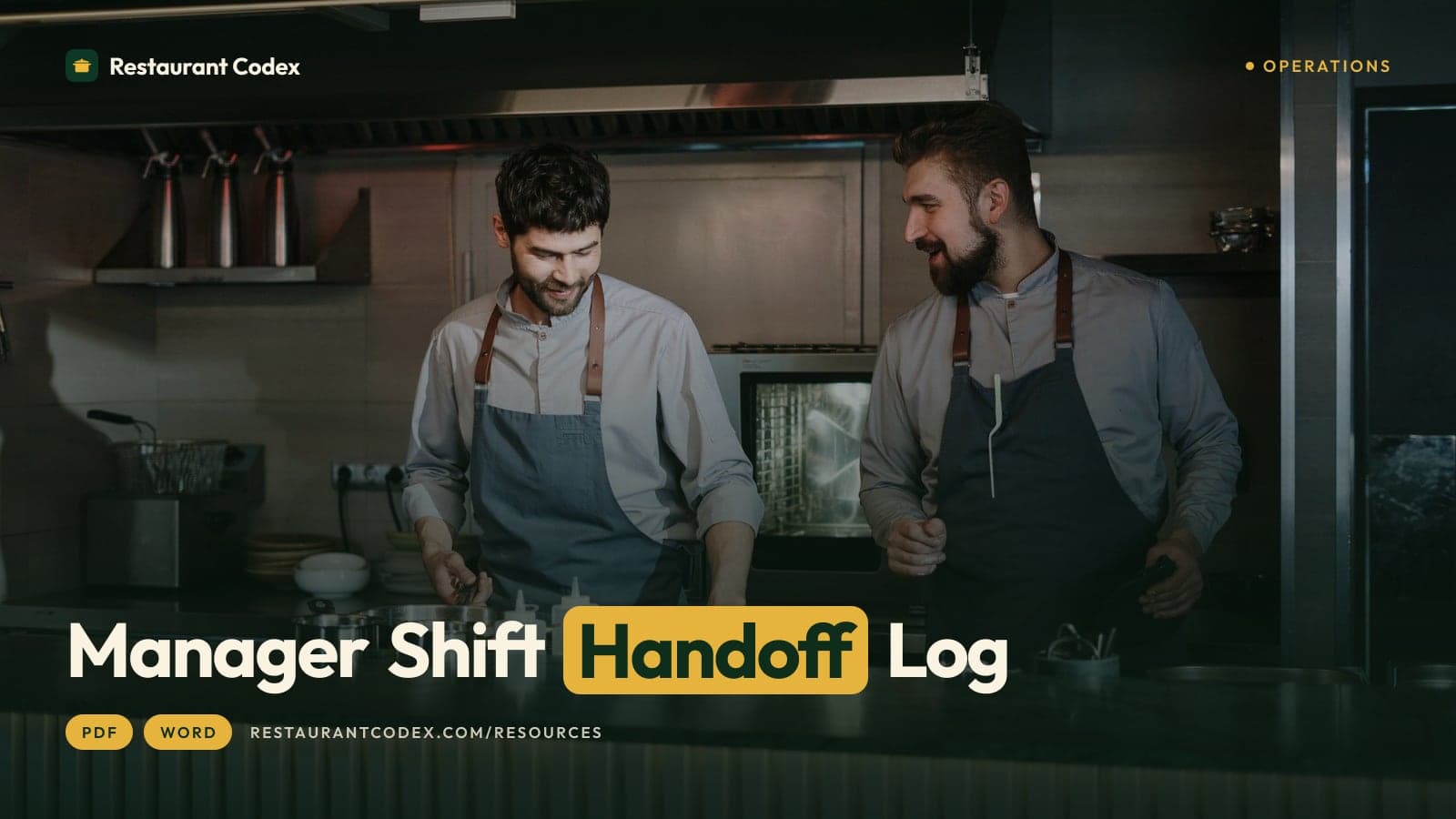
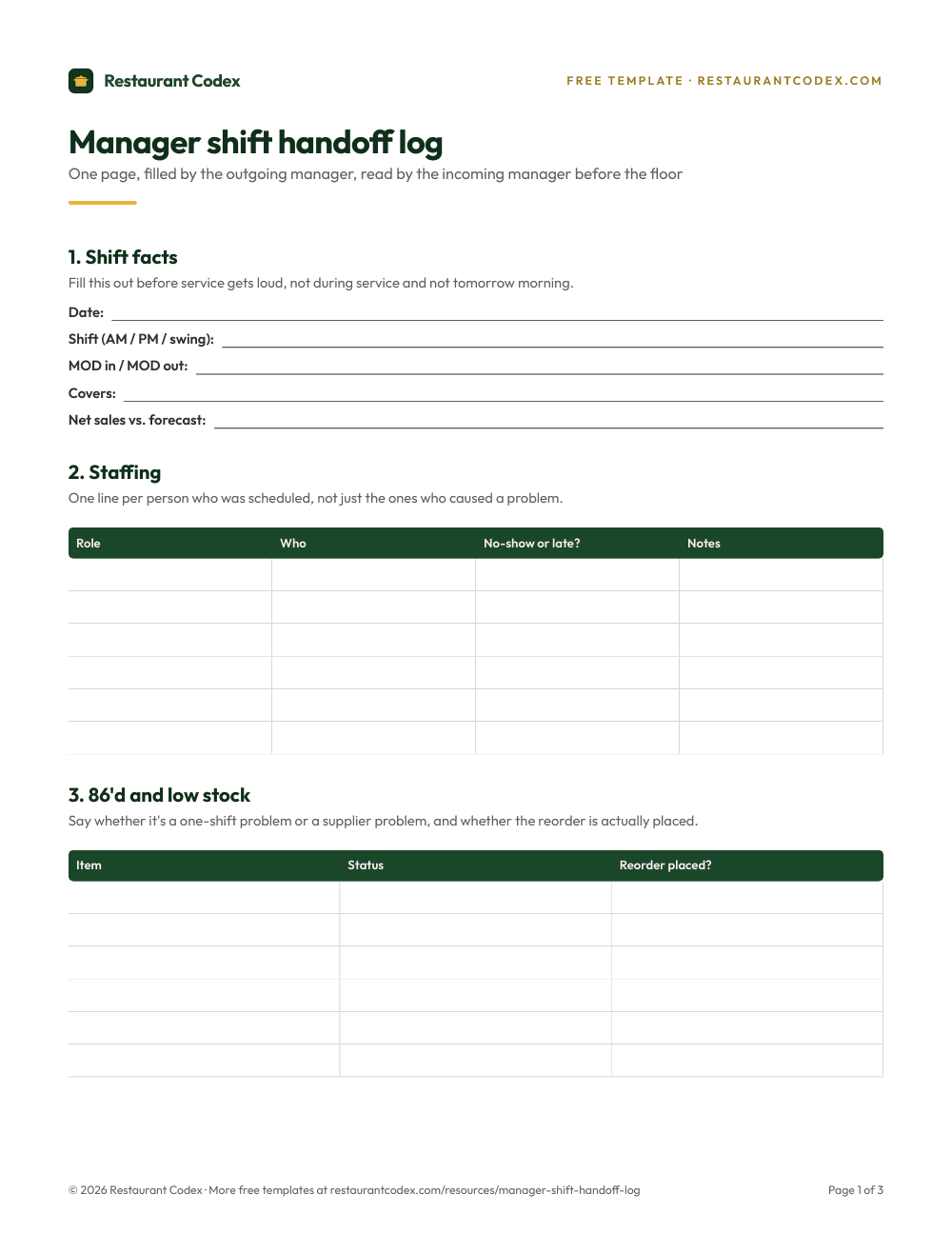
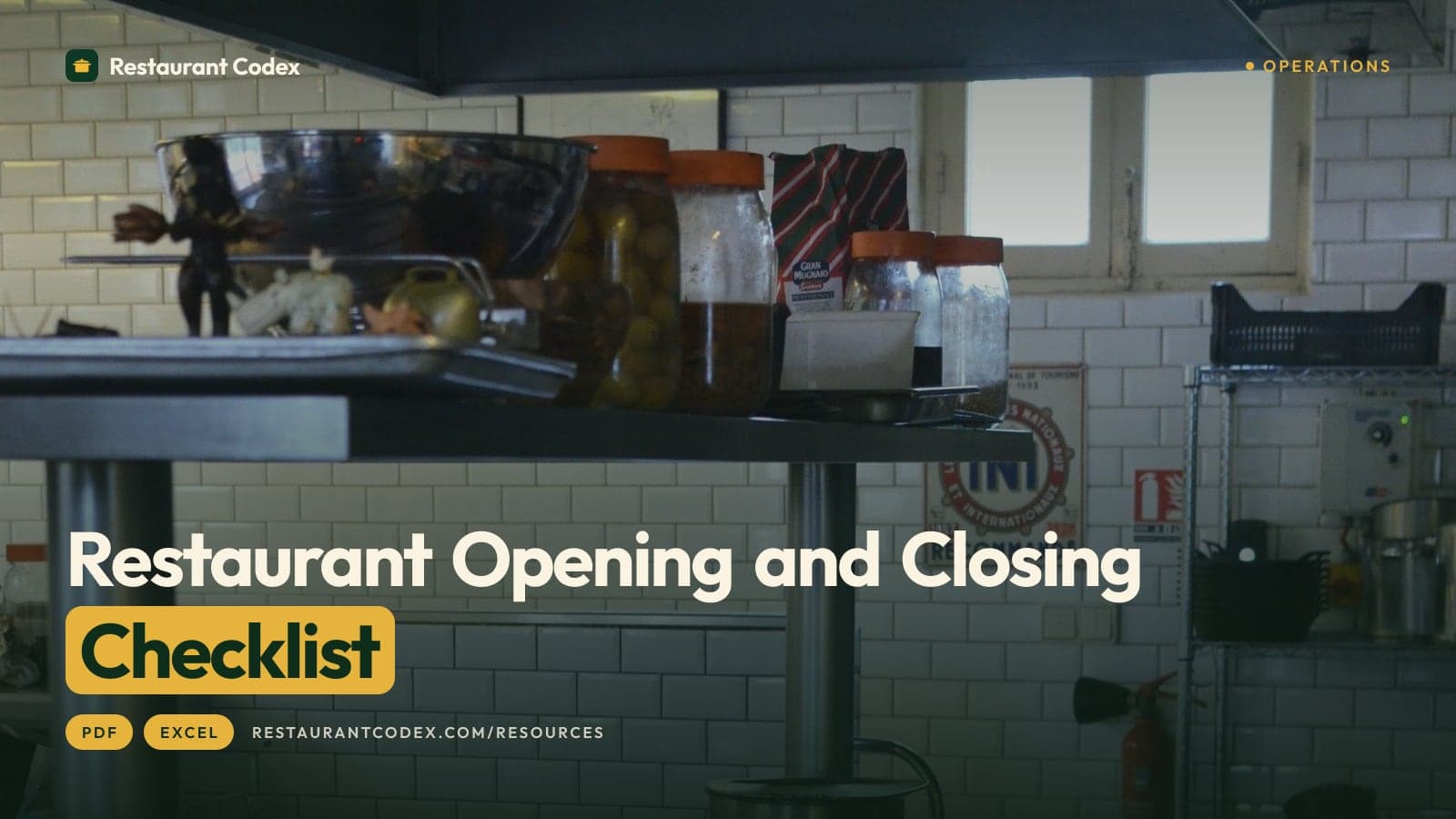
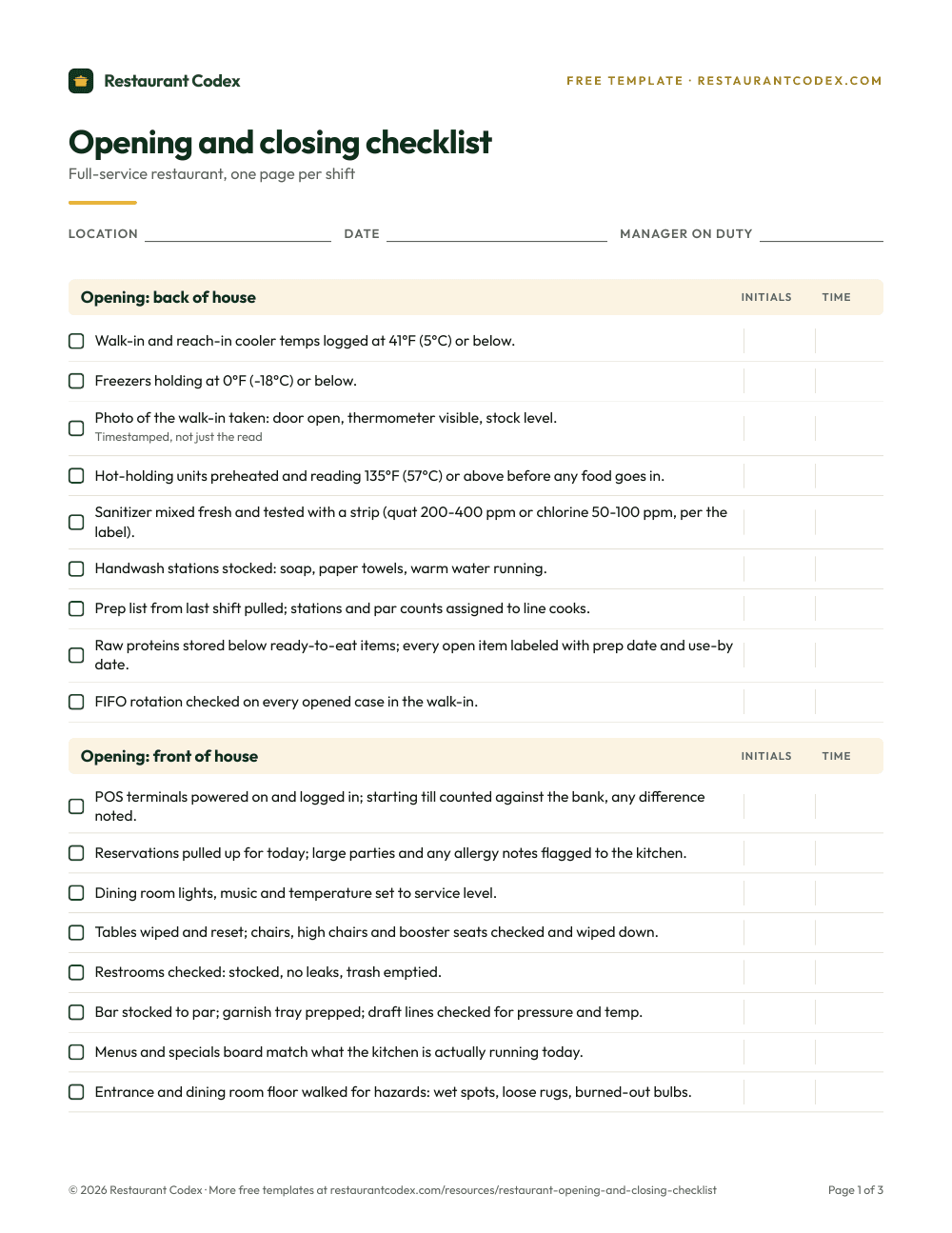
The log has a limit: it's paper or a spreadsheet, and it depends on the manager filling it in. That's why it works as a bridge. For opening and closing lists, which repeat every day, start from an opening and closing template before moving them to a system.
What do privacy laws say about WhatsApp at work?
In Mexico, a personal data law that covers private businesses requires you, among other things, to tell people what data you collect, to protect it and to keep it confidential. In Colombia, Ley 1581 of 2012 and the right-to-disconnect law apply. As far as we read, neither bans WhatsApp. What they regulate is what you do with the data that passes through it. We covered only Mexico and Colombia here; US rules aren't part of this guide.
Mexico. The text we read is the Federal Law on Personal Data Held by Private Parties (Ley Federal de Protección de Datos Personales en Posesión de los Particulares) published in the Diario Oficial de la Federación on March 20, 2025, as shown by the Orden Jurídico Nacional of the Secretaría de Gobernación on October 24, 2026. It isn't a reform of the 2010 law. It's a new law that repealed it (transitory articles first and second) and took effect the day after publication. The authority is now the Secretaría Anticorrupción y Buen Gobierno (article 2, fraction XV). We couldn't open the Chamber of Deputies website, so we cite this official source instead.
This is what, in our reading, falls on you as a restaurant:
- Personal data. Any information about an identifiable person (article 2, fraction V). An employee's phone number, photo and schedule count. The law doesn't apply to someone who keeps data only for personal use, with no commercial purpose (article 1).
- Privacy notice. You must tell your people what data you handle and why (articles 14 and 15). Article 9, fraction IV, exempts you from asking for consent when the data is needed to meet obligations arising from the legal relationship with the person (in our reading, that includes employment). The notice is still required.
- Sensitive data. This includes present or future health status (article 2, fraction VI) and requires express written consent (article 8). The diagnosis behind a medical leave, or the reason for a sick day, doesn't get discussed in a group.
- Security and confidentiality. You must keep administrative, technical and physical safeguards (article 18) and controls so that anyone involved keeps the data confidential, even after their relationship with you ends (article 20). If a breach significantly affects people's rights, you have to tell them immediately (article 19).
- Fines. Breaching data security and breaching confidentiality are among the violations in article 58 (fractions XI and VIII). Article 59 punishes them with 200 to 320,000 times the UMA, and with sensitive data the sanctions can be raised up to twice those amounts.
Colombia. Ley 1581 of 2012 requires the data controller to keep information under the security conditions needed to prevent its loss, unauthorized consultation or access (article 17, literal d). Ley 2191 of 2022 requires every natural or legal person to have a right-to-disconnect policy that includes guidelines on the use of information and communication technologies and a complaints procedure (article 5). It doesn't apply to management, trust and handling roles, or to force majeure or unforeseeable events (article 6). If your shift manager falls under that exception, ask your lawyer.
In practice, this comes down to a few decisions. Don't put ID documents, medical data or payroll in a group. Remove people who leave the same day. Check that your employee privacy notice says what data you handle and why (article 15). And if your manager uses a personal phone, be clear about what company information lives there.
How do you move from WhatsApp to a system?
You move in parts, starting with what hurts most, and without asking anyone to stop chatting. Removing WhatsApp all at once fails. What works is taking out of it the jobs it can't do.
- Inventory your chats. Write down which ones you have, who's in each, and what each is for. There's almost always one nobody remembers and one where a former employee is still a member.
- Sort what gets said. Every message is an alert, a task, an instruction or an order. Alerts stay in the chat. The other three are what move.
- Move the repeating tasks. Opening and closing lists, temperature logs and deep cleans, scheduled per location, with a photo as proof. Operations alerts whoever is assigned when a task is due soon and when it's overdue, and alerts the location's managers when one is still not done about an hour late.
- Move the answers you repeat. If the manager answers "how much salt goes in the salsa?" ten times a month, that answer goes in the knowledge base. Codex Bot answers the team from the group's manual and recipes, and shows the entry it used.
- Set one rule and follow it yourself first. For example: if it isn't in the system, it didn't happen. When someone asks in the chat something the manual already answers, the manager replies with the entry, not with another explanation.
- Keep one chat for what's urgent. One per location, with a single purpose written in the pinned first message. And employee exits go on the offboarding list.
A data point from a real customer, as the company reports it: Avenida Café Bistro, in El Salvador, saves 2 hours a day, and opening and closing are easier to run with visibility and less direct supervision. It isn't a promise for your case. There are more operations on the customers page.
What minimum rules does a group that stays need?
A group that stays needs the same rules as any other tool in the operation: an owner, a purpose and an exit.
- One purpose per group, written in a pinned message, with the location's name in the chat title.
- Two admins, always managers, so it doesn't depend on one person's phone.
- Instructions that have to last go in the manual; the chat only points to them.
- Outside working hours, only what's urgent, and in Colombia what Ley 2191 allows.
- No IDs, medical data or payroll.
- Every employee exit includes leaving all groups the same day.
Where Restaurant Codex fits
Restaurant Codex isn't a chat and doesn't try to replace one. It has no team conversation; what Copilot does is send announcements, and a manager's announcements reach only the locations they manage. A sent announcement can't be undone. For what's urgent and for talking to people, you'll keep using WhatsApp or a phone call.
What it does is take over the jobs the chat does badly. Operations schedules lists and logs per location, requires photo proof and alerts when something runs late. The knowledge base holds the manual and the recipes, and Codex Bot answers from there. Inventory builds the buying list by supplier and sends it by email, WhatsApp or print. And Training and LMS gives every new person their path from day one, so they don't have to catch up by reading a chat. To organize the work of each shift, see the guide to restaurant shift management.
Restaurant Codex
The same checklist, on every phone, with photo proof
Restaurant Codex runs this template as a live task with timestamps, photos and one view across every location. Bring it to a 30-minute working session and we'll show you how it would run across your locations.
By the Restaurant Codex team
Written with operators who run multi-location restaurant groups. Reviewed against the FDA Food Code and the sources listed below.
Sources
- Orden Jurídico Nacional (Secretaría de Gobernación), Ley Federal de Protección de Datos Personales en Posesión de los Particulares, text published in the DOF on March 20, 2025
- INEGI, Reporte de resultados 9/25, Encuesta Nacional sobre Disponibilidad y Uso de Tecnologías de la Información en los Hogares (ENDUTIH) 2024
- WhatsApp Blog, Introducing Group Message History (February 19, 2026)
- WhatsApp Business, WhatsApp Business app
- Senado de la República de Colombia, Ley 2191 de 2022, Ley de Desconexión Laboral (articles 3 to 7)
- Senado de la República de Colombia, Ley Estatutaria 1581 de 2012, personal data protection (articles 4 and 17)